
Best Microphones for Video and Vlogging in 2026
Bad audio kills good video faster than bad lighting ever will. You can shoot 4K, grade like Fincher, cut on a dime — but if your voice sounds like it was recorded through a tin can at the bottom of a well, nobody’s watching past the fifteen-second mark. The algorithms know this. Your audience knows this. And deep down, you know this too.
We spent weeks running these microphones through real production workflows — run-and-gun vlogging setups, controlled studio environments, noisy convention floors, and everything in between. What follows is an honest assessment of the eight microphones that earned a place in our kit this year, and why they might belong in yours.
Quick Comparison
| Microphone | Type | Connection | Best For | Price Range |
|---|---|---|---|---|
| Rode VideoMicro II | Shotgun | 3.5mm TRS | On-camera run-and-gun | $$ |
| Deity V-Mic D3 Pro | Shotgun | 3.5mm TRS | Smartphone + camera versatility | $$ |
| DJI Mic 2 | Wireless Lavalier | 2.4GHz wireless | Solo creators, interviews | $$$ |
| Rode Wireless GO II | Wireless Lavalier | 2.4GHz wireless | Dual-subject productions | $$$ |
| Shure MV7+ | Dynamic USB/XLR | USB-C / XLR | Studio voiceover, podcasting | $$$ |
| Elgato Wave:3 | Condenser USB | USB-C | Streaming, desk recording | $$ |
| Rode NT-USB+ | Condenser USB | USB-C | Voiceover, studio recording | $$ |
| Sennheiser MKE 400 | Shotgun | 3.5mm TRS | Outdoor video, directional audio | $$ |
Understanding Microphone Types for Video
Shotgun Microphones
Shotgun mics are the sniper rifles of audio — directional, focused, and designed to isolate your subject from the chaos around them. They mount directly on your camera’s hot shoe and pick up what’s in front of the lens while rejecting what’s off-axis. If you’re shooting run-and-gun vlogs, walk-and-talk content, or any scenario where you’re both operator and talent, a shotgun mic is your first line of defense against mediocre audio. Their supercardioid or hypercardioid patterns mean they hear what you point them at and ignore (mostly) what they don’t.
Wireless Lavalier Systems
Wireless lav systems changed the vlogging game the moment DJI and Rode shrunk transmitters down to thumbnail-sized modules that clip to your shirt and beam audio back to a receiver on your camera. No cables. No boom operator. No praying your built-in mic caught usable levels from six feet away. These are the go-to for interviews, two-person setups, and any situation where your subject needs to move freely. The trade-off? They’re more expensive, battery management becomes a thing, and you’re trusting a wireless signal not to drop at the worst possible moment.
USB / Desktop Microphones
USB mics sit on your desk, plug into your computer, and handle the analog-to-digital conversion internally. No audio interface, no XLR cable, no external preamp — just plug in and record. They’re the right call for voiceovers, podcast-style content, streaming, and any video where you’re stationary. The best ones now offer USB-C and XLR passthrough, giving you a growth path from “I just need to record” to “I’m building an actual studio signal chain.”
Rode VideoMicro II
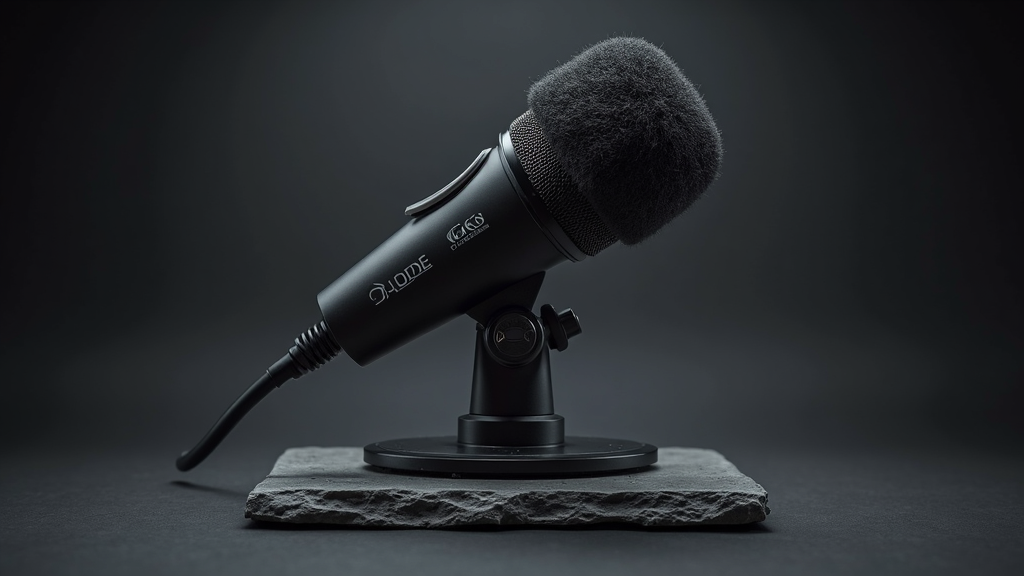
Specs: Supercardioid condenser | 3.5mm TRS output | 9.8 oz (with Rycote Lyre) | No battery required (plug-in power) | Frequency response: 20Hz–20kHz
Rode took what was already the industry standard for compact on-camera mics and made it quieter, smaller, and more forgiving. The VideoMicro II drops the original’s slightly brittle high-end in favor of a warmer, more natural tonality that sits comfortably in a video mix without EQ surgery. The new Rycote Lyre suspension is more robust, and the absence of a battery compartment means it’s lighter and slimmer — it disappears on your camera in a way the first generation never quite managed.
In practice, the VideoMicro II is the microphone you forget is there, which is exactly the point. It runs on plug-in power from your camera, so there’s nothing to charge and nothing to forget. The included furry windshield handles outdoor wind noise reasonably well, and the tighter pickup pattern means you can shoot in a coffee shop without your viewers hearing every espresso machine steam blast. It’s not going to rival a proper boom setup, but for the size, weight, and price, it’s absurdly competent.
If you’re building a vlogging kit and can only buy one microphone, start here. The VideoMicro II is the benchmark every other compact shotgun is measured against — and for good reason.
Buy Rode VideoMicro II on Amazon →
Deity V-Mic D3 Pro
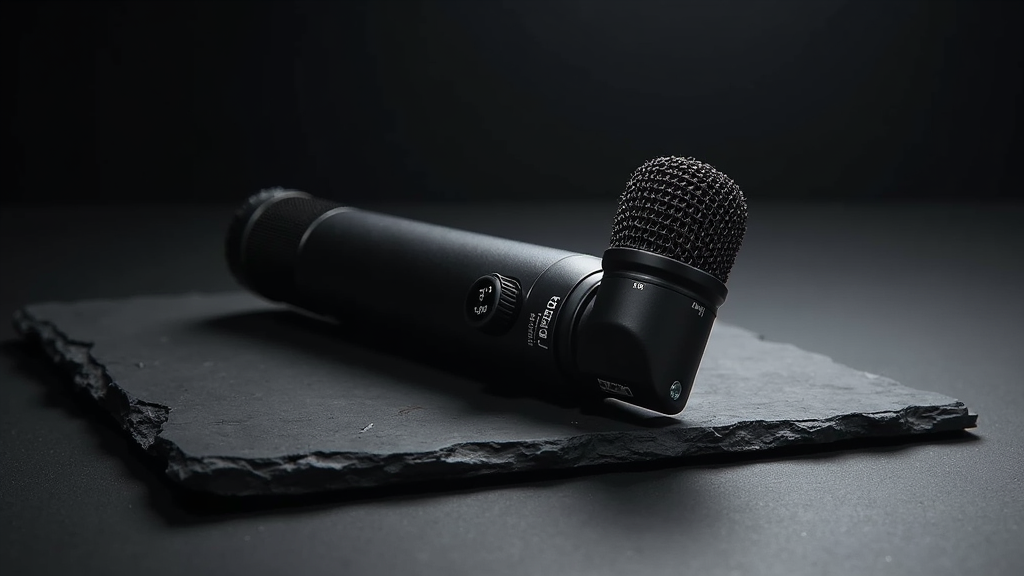
Specs: Supercardioid condenser | 3.5mm TRS output (switchable TRRS for smartphones) | Stepless gain dial | 75Hz high-pass filter | Frequency response: 50Hz–20kHz
Deity designed the V-Mic D3 Pro for the creator who shoots on both a mirrorless camera and a smartphone — sometimes in the same afternoon. The switchable TRS/TRRS output means you can move from your Sony to your iPhone without adapters, and the stepless gain dial on the body of the mic lets you fine-tune levels without diving into camera menus. These sound like small things until you’re in the field, fumbling for a dongle while your subject is losing patience.
Audio quality is right in the pocket with the VideoMicro II — slightly brighter, slightly more presence in the upper mids, which some voices benefit from and others don’t. The 75Hz high-pass filter is a welcome inclusion for outdoor shooting, where low-frequency rumble from traffic and HVAC can muddy your dialog before you realize it’s happening. Build quality is solid metal, and the shock mount is competent if not quite as refined as Rode’s Rycote system.
Where the D3 Pro wins is versatility. If your production involves switching between camera platforms, or if you want one mic that handles both your YouTube rig and your Instagram Stories without carrying extra cables, this is the one.
Buy Deity V-Mic D3 Pro on Amazon →
DJI Mic 2
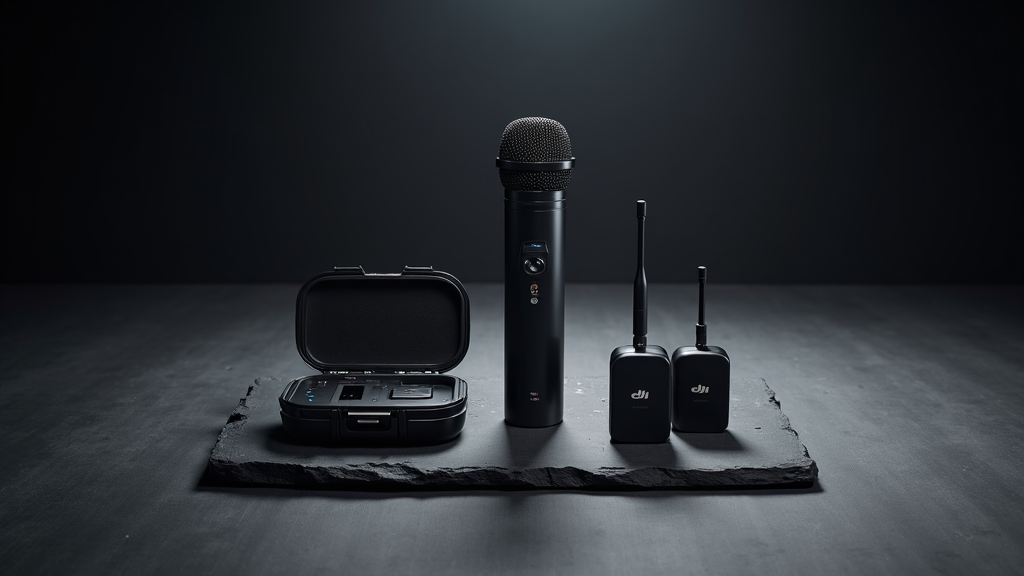
Specs: Wireless lavalier system | 2.4GHz digital transmission | Up to 2 transmitters, 1 receiver | 32-bit float internal recording | USB-C and 3.5mm output | Up to 250m range | ~6hr transmitter battery / ~8hr receiver
The DJI Mic 2 doesn’t just improve on its predecessor — it renders the original almost irrelevant. The headline feature is 32-bit float internal recording on the transmitters, which means you can clip one to your shirt, hit record, and never think about gain staging again. Loud moments won’t clip. Quiet moments won’t disappear into the noise floor. You recover everything in post. For solo creators who can’t monitor levels while they’re in front of the camera, this is a genuine production revolution.
The charging case now holds enough juice for multiple full recharge cycles, the transmitters are smaller, and the receiver’s touchscreen makes configuration fast enough that you might actually use it in the field instead of just setting everything to auto and hoping. Range is rated at 250m line-of-sight, and in our testing through walls and around convention floors, we never lost sync. Audio quality is clean, detailed, and surprisingly resistant to wind noise when you use the included windscreens.
DJI also added direct Bluetooth recording to smartphones and Osmo devices, which eliminates the receiver entirely for casual shoots. If you’re a solo vlogger who wants professional-grade audio without the professional-grade workflow, the Mic 2 is the system to beat in 2026.
Rode Wireless GO II
Specs: Wireless lavalier system | 2.4GHz digital transmission | 2 transmitters, 1 receiver | On-board recording (each transmitter) | 3.5mm TRS and USB-C output | Up to 200m range | ~7hr transmitter battery / ~7hr receiver
The Wireless GO II was the first dual-transmitter wireless system that actually worked reliably for creators, and it’s aged into a mature, battle-tested platform. The dual-transmitter setup means you can mic two subjects simultaneously — interviewer and interviewee, host and guest, you and whoever’s standing next to you — and the receiver merges both channels to your camera while keeping them on separate tracks for post-production flexibility. That’s a professional feature that Rode somehow packed into a system the size of a matchbox.
On-board recording on each transmitter is your safety net. Even if the wireless signal drops — which, in fairness, happens less often than internet forums would have you believe — the transmitters keep recording internally. Sync the files later and you’ve lost nothing. The Rode Central app gives you fine-grained control over gain, power modes, and firmware updates, though the desktop version is more reliable than the mobile one.
Where the GO II shows its age compared to the DJI Mic 2 is in the lack of 32-bit float recording and the slightly bulkier transmitter profile. But for dual-subject content, the GO II’s workflow is still arguably cleaner, and the global onboard recording means you’re never more than a sync away from perfect audio. If you regularly shoot two-person content, this remains the gold standard.
Buy Rode Wireless GO II on Amazon →
Shure MV7+
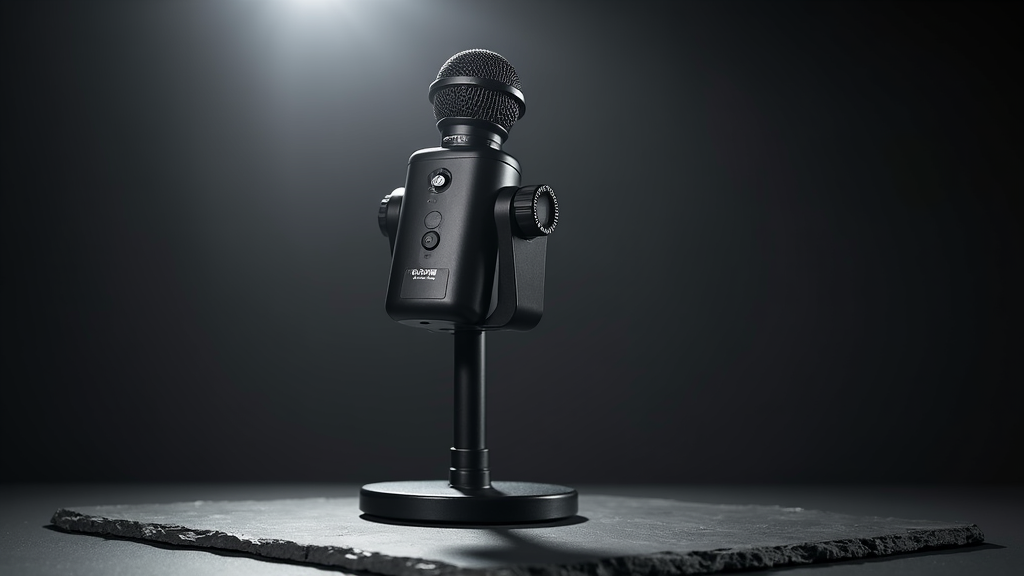
Specs: Dynamic microphone | USB-C and XLR outputs | Built-in headphone jack for zero-latency monitoring | Touch panel for gain and volume | Frequency response: 50Hz–16kHz | Includes boom arm
The MV7+ is what happens when Shure takes their broadcast-grade SM7B DNA and packages it for creators who don’t want to build a full studio rack to get professional vocal sound. The dynamic capsule rejects room noise like a bouncer at an exclusive club — HVAC hum, keyboard clicks, the neighbor’s dog — all relegated to the background while your voice sits front and center with the warmth and proximity effect that made the SM7B legendary. If you record voiceovers in a room that isn’t acoustically treated (and let’s be honest, most of us do), this microphone is a lifeline.
The dual USB/XLR connectivity means you can start simple with a USB cable straight into your computer, then graduate to an XLR interface when your signal chain ambitions catch up with your budget. The touch panel on the mic body is surprisingly intuitive — swipe for gain, tap to mute — and the included boom arm saves you from the worst of the desk-mount cable management nightmares. Shure’s MOTIV app provides DSP features like real-time noise reduction and auto-leveling, though the mic sounds good enough straight that you might never open it.
This is the microphone for creators who are serious about their voice. Podcasters, voiceover artists, video essayists — if your voice is the product, the MV7+ is the tool. It costs more than entry-level USB mics, but the jump in quality is proportional. You will hear the difference.
Elgato Wave:3
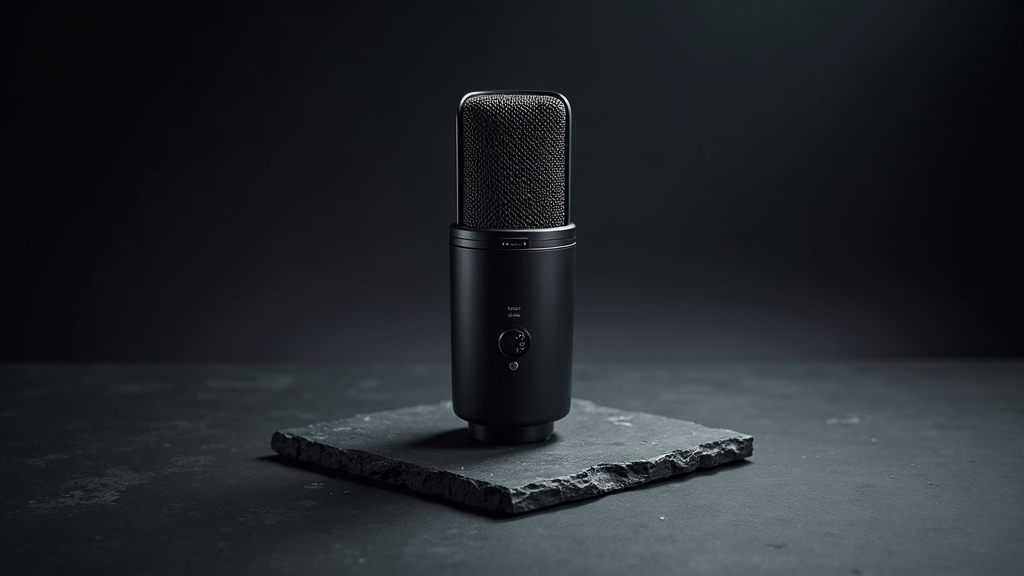
Specs: Condenser microphone | USB-C | Cardioid pattern | 24-bit/96kHz | Built-in clipguard anti-distortion | Tap-to-mute sensor | Frequency response: 70Hz–20kHz
Elgato built the Wave:3 for streamers, and it shows — but that doesn’t mean video creators should overlook it. The condenser capsule is bright, present, and detailed, with a slight lift in the upper mids that makes voices cut through without sounding harsh. It’s the kind of tuning that works brilliantly for talking-head YouTube content, video essays, and any format where clarity matters more than warmth. The built-in Clipguard anti-distortion technology is essentially a safety limiter that prevents clipping even if you yell, which is more useful than you’d think when emotions run hot during a livestream or an energetic vlog segment.
The tap-to-mute sensor is one of those features you didn’t know you needed until you have it. No fumbling for a button, no mechanical click in your audio — just tap the top of the mic and you’re muted with a visual indicator. Elgato’s Wave Link software is genuinely powerful, giving you separate audio channels for your mic, game audio, chat, and music, each with independent levels and routing. For video creators who also stream, or who want granular audio control without a hardware mixer, Wave Link is a serious value add.
The trade-off with any USB condenser is room noise. The Wave:3 picks up more ambient sound than a dynamic mic like the MV7+, so you’ll want a reasonably treated space. But for the price, the feature set is formidable, and the sound quality punches well above its weight class.
Rode NT-USB+
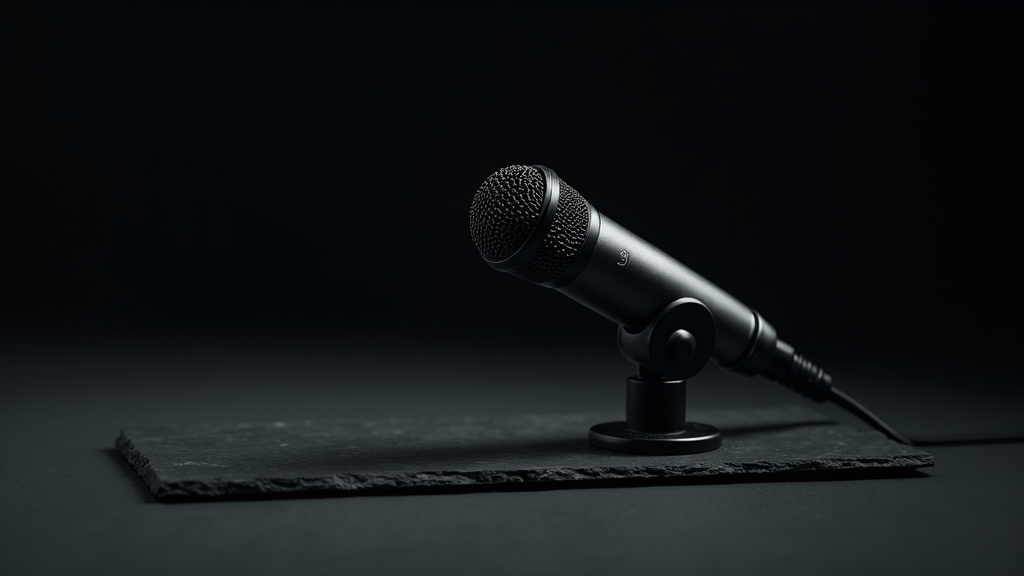
Specs: Condenser microphone | USB-C | Cardioid pattern | 24-bit/48kHz | Built-in pop filter and ring mount | Zero-latency headphone monitoring | Frequency response: 20Hz–20kHz
The NT-USB+ is Rode’s answer to the question: “What if a studio condenser just plugged into your computer?” And the answer is — it works. Really well, actually. The capsule delivers the kind of smooth, detailed vocal reproduction that Rode built their reputation on, with enough warmth to feel natural and enough air in the highs to sound expensive without sounding thin. For voiceover work, this microphone produces results that are indistinguishable from what you’d get from an NT1-A running through a decent interface — at a fraction of the cost and complexity.
The included pop filter and ring mount mean you’re ready to record out of the box. No extra accessories, no “wait, I need a shock mount” moment. The zero-latency headphone monitoring through the mic body itself is a thoughtful inclusion that eliminates the dreaded echo that plagues USB mic setups where monitoring routes through the computer’s buffer. Build quality is all-metal and reassuringly heavy — this doesn’t feel like a compromise product, because it isn’t one.
Where the NT-USB+ fits in a video creator’s workflow is the studio day. When you’re sitting at your desk recording voiceovers, narrating B-roll sequences, or laying down podcast audio, the NT-USB+ delivers broadcast-quality sound with zero fuss. It’s the microphone that makes your post-production audio sound like you recorded it in a proper studio — because acoustically, it’s doing enough of the heavy lifting that your untreated room doesn’t have to.
Sennheiser MKE 400
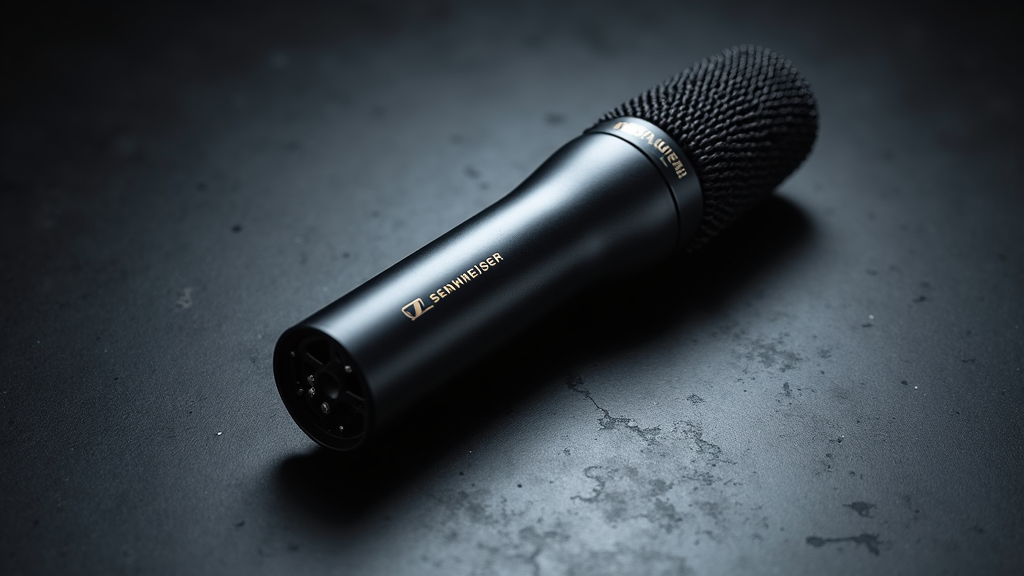
Specs: Supercardioid shotgun | 3.5mm TRS output | Switchable sensitivity (normal/boost) | Built-in windscreen + included furry windshield | Internal shock mounting | Frequency response: 40Hz–20kHz | Battery-powered (approx 100hrs on AAA)
Sennheiser has been making broadcast microphones longer than most of us have been alive, and the MKE 400 carries that DNA in a compact, camera-mounted package. The sound is unmistakably Sennheiser — clean, articulate, with a slightly more controlled low-end than the Rode alternatives. It doesn’t flatter your voice the way some consumer-targeted mics do; it records what’s there with clinical precision. For documentary-style content, corporate video, and anything where accuracy matters more than warmth, that objectivity is a feature, not a bug.
The three-position sensitivity switch (off/normal/boost) is more useful than it sounds. Normal mode handles typical dialog levels without clipping, while boost mode adds about 10dB of gain for quieter subjects or longer distances. The internal shock mounting does a credible job of isolating handling noise — not Rycote Lyre levels of isolation, but solid for an integrated solution. Battery life from a single AAA cell is rated at 100 hours, which means you can shoot for weeks between changes. The included furry windshield is excellent, handling outdoor wind noise far better than the foam windscreens that ship with most competitors.
The MKE 400 is the thinking creator’s shotgun mic. It’s not the cheapest, not the flashiest, not the one with the biggest marketing budget. But it’s the one that broadcast professionals reach for when they need reliable, accurate location sound from a compact package. If you’ve graduated past entry-level and want something that respects the craft, this is it.
Buy Sennheiser MKE 400 on Amazon →
How to Choose the Right Microphone for Your Workflow
Match the Mic to the Shoot
There’s no universal “best microphone” — only the best microphone for what you’re doing right now. Shotgun mics belong on your camera when you’re moving. Wireless lavs belong on your body when you can’t hold a mic. USB condensers belong on your desk when you’re recording voiceovers. Trying to use one category for everything is the fastest path to mediocre audio. Build your kit in layers: start with a shotgun for general video work, add wireless when you start doing interviews or walk-and-talks, and bring in a USB dynamic or condenser when you’re ready to invest in your voice.
Budget Realities
Audio is the one area where spending more genuinely correlates with better results — up to a point. The jump from your camera’s built-in mic to a $100 shotgun is seismic. The jump from that shotgun to a $250 shotgun is meaningful. The jump from $250 to $800? Diminishing returns for video content. Invest in the right type of microphone first, then upgrade within that category. A cheap wireless system that drops signal is worse than no wireless system at all. A mid-tier shotgun that you always have mounted on your camera is worth more than a flagship shotgun that stays in your bag because it’s too heavy.
Room Treatment > Expensive Microphones
Here’s the uncomfortable truth: a $150 microphone in a treated room sounds better than a $500 microphone in an echoey bedroom. Before you upgrade your mic, spend $30 on acoustic panels or even just hang moving blankets behind your recording position. Your audio will improve more from $30 of foam than from $200 of microphone. We’ve heard $80 USB mics in treated spaces that sound indistinguishable from broadcast setups. Treat your room. Then buy the mic.
Final Thoughts
The microphones on this list represent the best options across the major categories that video creators actually use in 2026. Whether you’re a run-and-gun vlogger who needs a shotgun on the hot shoe, a solo creator who wants the freedom of wireless, or a voiceover artist building a desk setup — there’s a microphone here that will make your content sound like it deserves to look.
Start with the category that matches your primary workflow. Buy once, buy right. And for god’s sake, stop using your camera’s built-in mic. Your audience can hear the difference, even if you’ve stopped noticing.